![TAI_LOGO_CMYK Option 1.2-03.jpg]](https://learn.tai-software.com/hs-fs/hubfs/TAI_LOGO_CMYK%20Option%201.2-03.jpg?height=40&name=TAI_LOGO_CMYK%20Option%201.2-03.jpg)
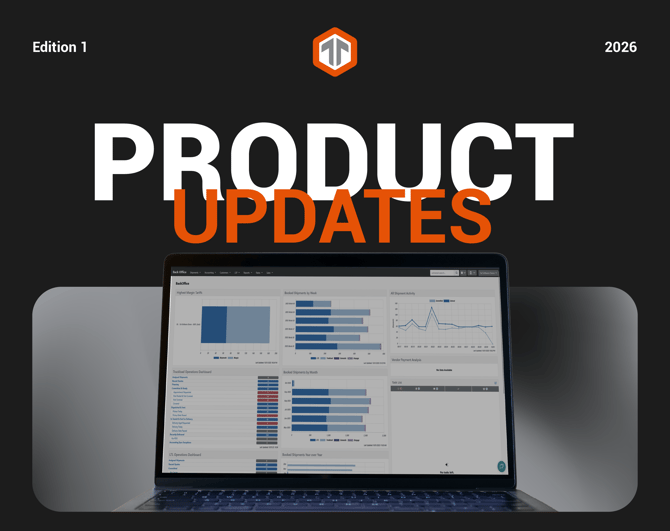

OpenTrack - Container Tracking
Strengthen your drayage operations with better visibility into ocean import containers across ports, rail, and inland moves. OpenTrack brings ocean import container milestones directly into Tai, helping your team proactively manage drayage shipments, stay ahead of delays, and coordinate pickups and deliveries without relying on carrier portals or terminal websites. Once enabled on an import shipment, OpenTrack continuously monitors container milestones, updates Shipment Location History, and delivers real-time alerts that support timely, well-coordinated drayage execution.
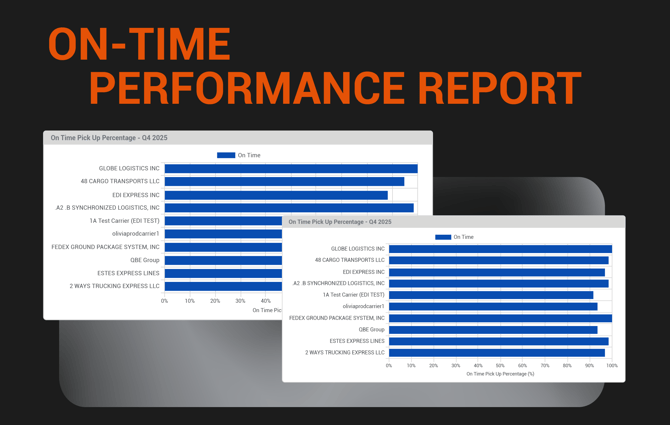
On-Time Performance Report
Gain a clear, reliable view of on-time pickup and delivery performance. The new On-Time Pickup and On-Time Delivery metrics enable you to quickly measure service levels, identify trends, and hold partners accountable without the need for manual analysis. These metrics calculate the percentage of origin and destination stops completed on time based on appointment windows or scheduled ready times, using actual arrival data when available.
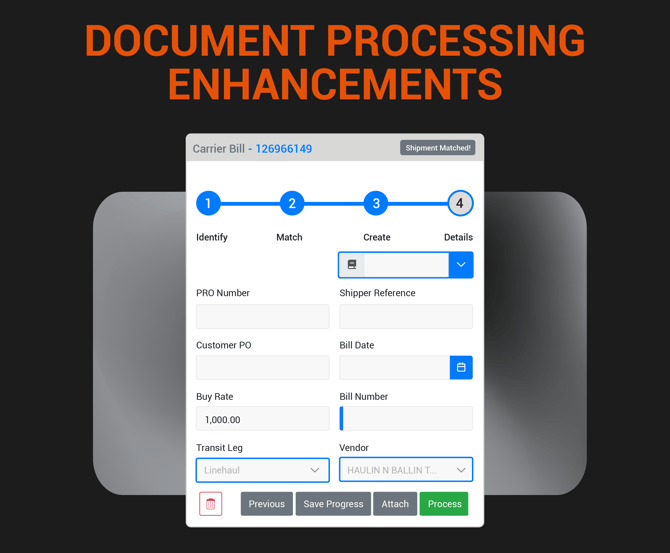
Smarter Carrier Bill Processing
Reduce billing errors and approval delays by clearly tying carrier bills to the correct shipment leg and vendor. When processing a Carrier Bill, Tai now provides additional controls that automatically determine the correct vendor based on the selected transit leg, helping ensure bills are reviewed and approved with the right context.
Add Reference Numbers During Processing
Improve shipment identification without extra steps. You can now add standard or custom reference numbers while processing documents, making it easier to track, search, and reconcile shipments as soon as paperwork is received.
Create Shipments Directly from Documents
Keep work moving even when a shipment doesn’t exist yet. If a document arrives without a matching shipment, you can now create one directly from the Document Processor using the same workflow as standard shipment creation, including support for incomplete shipments so details can be finalized later.
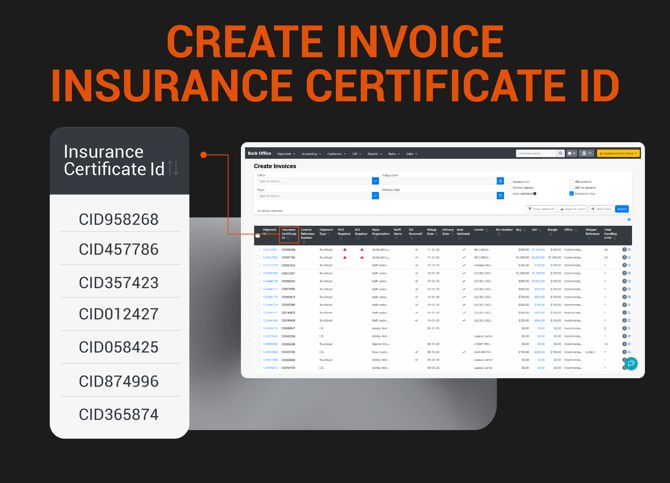
Make invoice review and reconciliation easier by surfacing insurance details exactly where your finance team needs them. You can now add the Insurance Certificate ID as a column on the Create Invoices page, providing clear visibility into insurance coverage directly from the invoice workflow without needing to access shipment records.

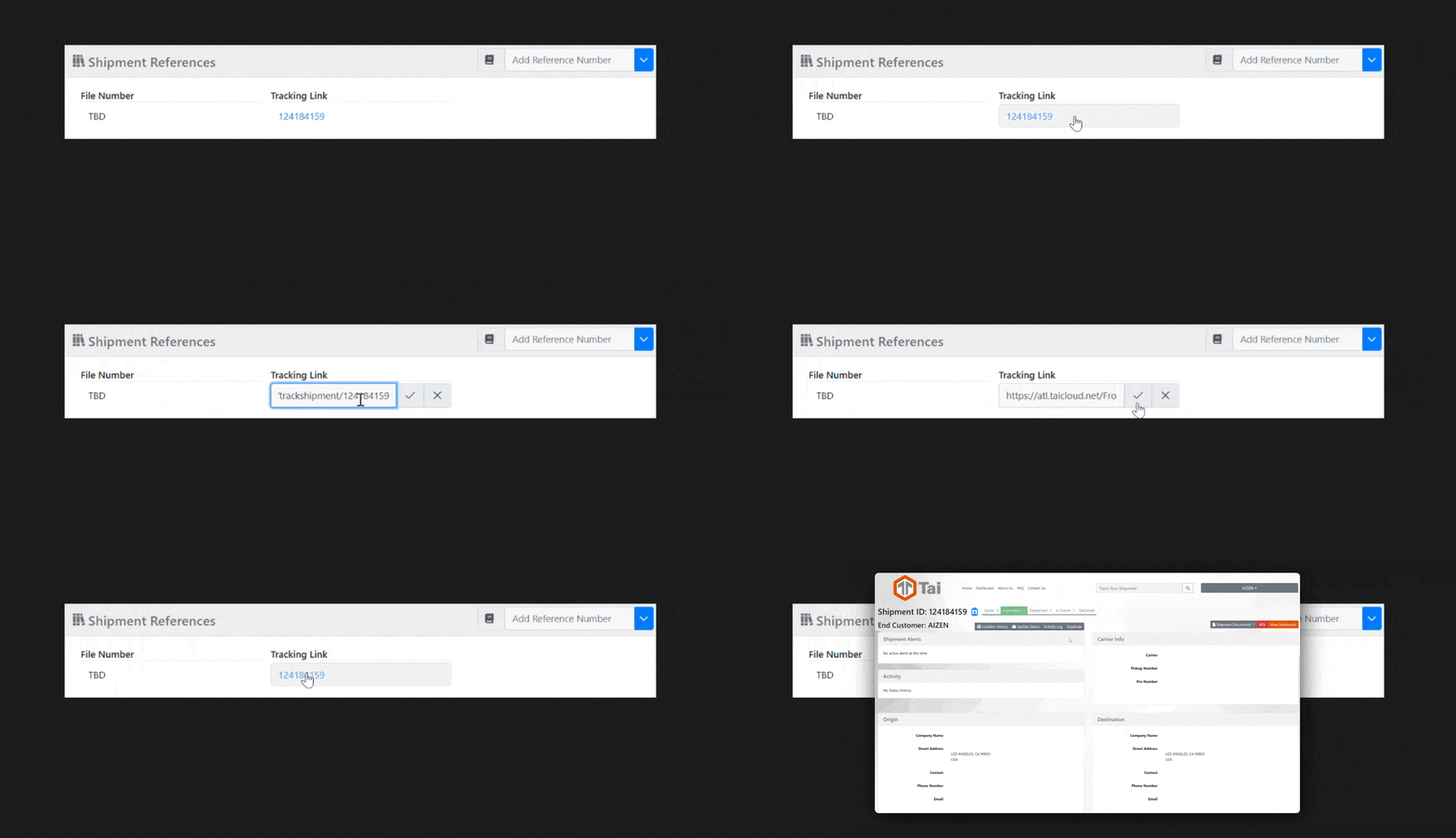
Give your team faster access to external shipment resources without the need for extra searching. The new Link reference type lets you store URLs directly on shipments and front office records, making important documents, portals, or tracking pages just one click away. Links display as clickable hyperlinks on Shipment Details and Front Office pages, and remain editable during shipment updates to ensure accurate and up-to-date information.
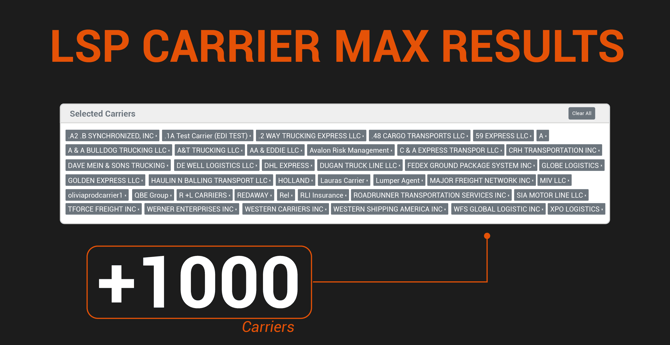
Update and manage multiple carriers simultaneously with expanded results on the LSP Carrier page. You can now load and select larger carrier lists, making bulk updates faster and more efficient for large networks.
 Protect shipper relationships and improve load coverage when posting to public load boards. Location Masking allows you to post loads using a broader or alternative city, state, or ZIP code, helping to keep shippers anonymous in markets with limited pickup locations and preventing carriers from bypassing broker relationships. This feature applies masked locations only to load board postings, while the true shipment origin and destination remain unchanged in the TMS.
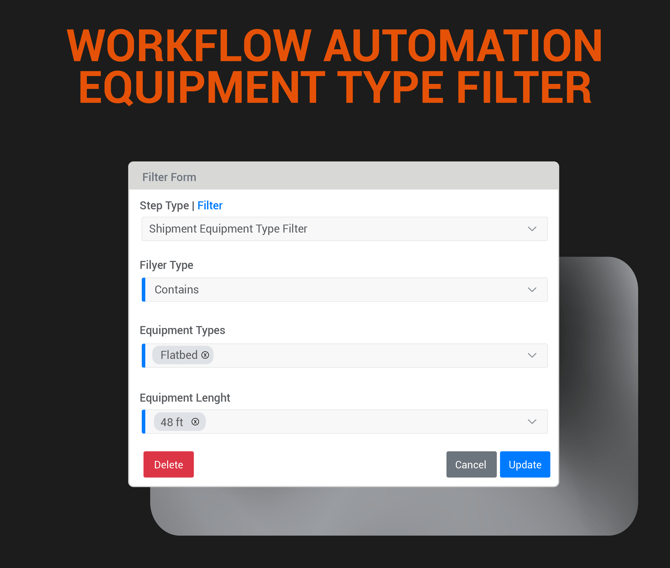
Workflow Automation - Equipment Type Filter
Trigger workflows based on the equipment required for a shipment. The Equipment Type Filter enables automations to run when a specific equipment type—such as reefer, flatbed, or dry van is selected, ensuring alerts, actions, and escalations align with the freight being moved.